Upload your PDF
Start with the form your business already uses: the intake form, the request sheet, the checklist. No rebuilding it from scratch in someone else’s template.
Online PDF forms for small business
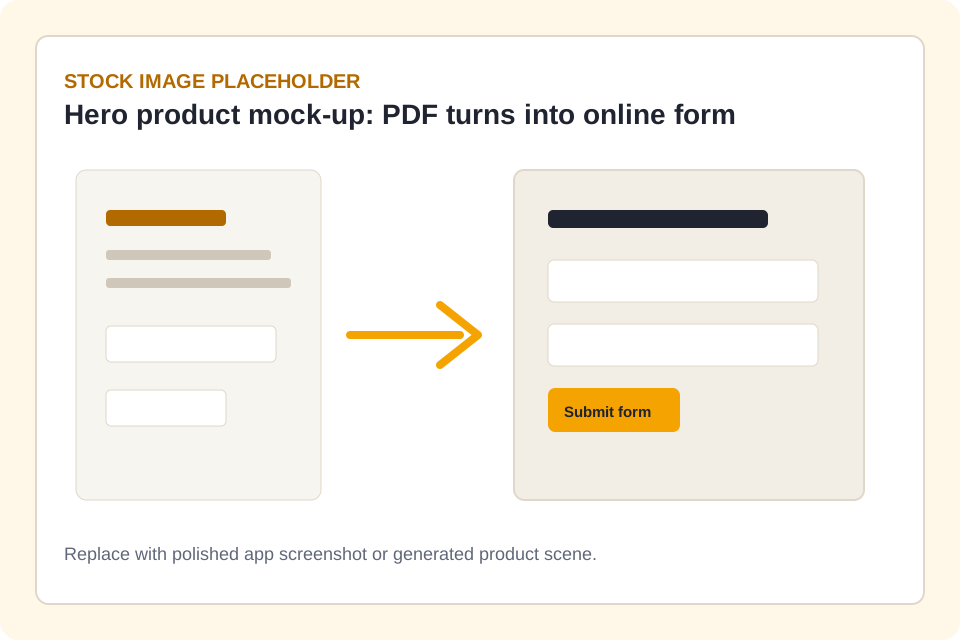
Upload the PDF you already use, share a link, and watch complete responses arrive. No enterprise setup, no training course, nothing for your customers to install.
The everyday problem
Everyone knows the routine. You email the PDF. It comes back half-filled, printed and photographed at an artistic angle, or not at all. Then the chasing starts.
How it works
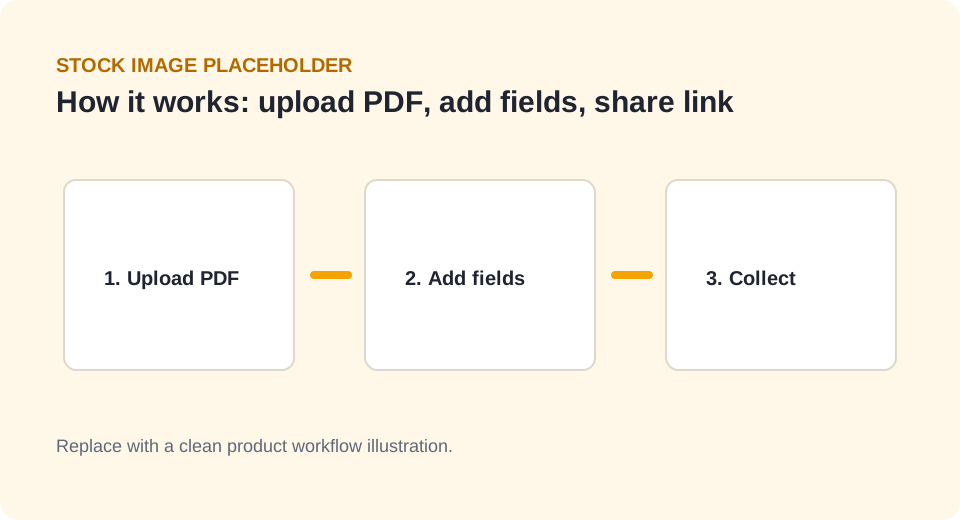
Keep the PDF your business already trusts, and make the filling-in painless for customers, staff, and suppliers.
Start with the form your business already uses: the intake form, the request sheet, the checklist. No rebuilding it from scratch in someone else’s template.
Place fields over the PDF so it becomes a clean online form people can complete from any device. This is the longest step, and it still fits inside a coffee.
Send one link. Responses arrive complete and structured, instead of trickling back as scans, photos, and "see attached" emails.
Features
No module catalogue, no feature maze. Just the tools that get everyday forms filled in properly, the first time.
Turn the PDF you already trust into an online form in minutes. The document stays familiar; the filling-in stops being painful.
Customers, staff, and suppliers get a link, not homework. No downloads, no accounts, no printing, no photographing a form on the ute dashboard.
Every submission arrives complete and readable. Retire your skills in deciphering handwriting and chasing the one field everybody skips.
Intake, onboarding, maintenance, inspections, incidents, consent, quote requests — the unglamorous forms that actually run a small business.
No consultant, no onboarding call, no three-week rollout plan. Sign up, upload, share. That is the whole setup.
Public plans from $0, monthly, cancel anytime. The price on the pricing page is the price.
Grows with your business
Simple does not mean you will outgrow it. Each plan step adds capability exactly where busy form workflows start to hurt.
Upload a PDF, add fields, share the link, collect responses. For plenty of forms, this is all you will ever need.
The rules engine checks answers as people type, so bad data gets caught at the door instead of in your inbox.
One-time links with prefilled details for specific people, and verified links that confirm identity by PIN or email.
Webhooks push each submission into the tools you already use, so nobody retypes anything ever again.
Use cases
Start with the repeatable workflows where PDFs are familiar but collection is clunky.
Collect consistent client details before appointments, projects, or consultations without chasing handwritten PDF returns.
View use caseMove repeat onboarding paperwork into online PDF forms that new staff can complete before their first shift or induction.
View use caseLet tenants, clients, or staff submit maintenance requests from a link instead of sending incomplete emails or photographed forms.
View use caseReplace printed inspection PDFs with online checklists that are easier to complete, review, and organise after site visits.
View use caseCollect incident details in a structured online form so small teams can respond faster and keep clearer internal records.
View use caseTurn membership, programme, grant, booking, or service application PDFs into online forms with fewer missing fields.
View use casePricing
Start free, then move up as your active forms, submissions, and team needs grow. See the pricing page for full plan details and add-ons.
$0/ month
Prove the workflow with your first forms.
$29/ month
Smarter forms with validation rules.
$79/ month
Connect your systems and control access.
$149/ month
Scale up with verified links and your brand.
Contact us
Custom limits, SSO, and a direct support path.
A fair comparison
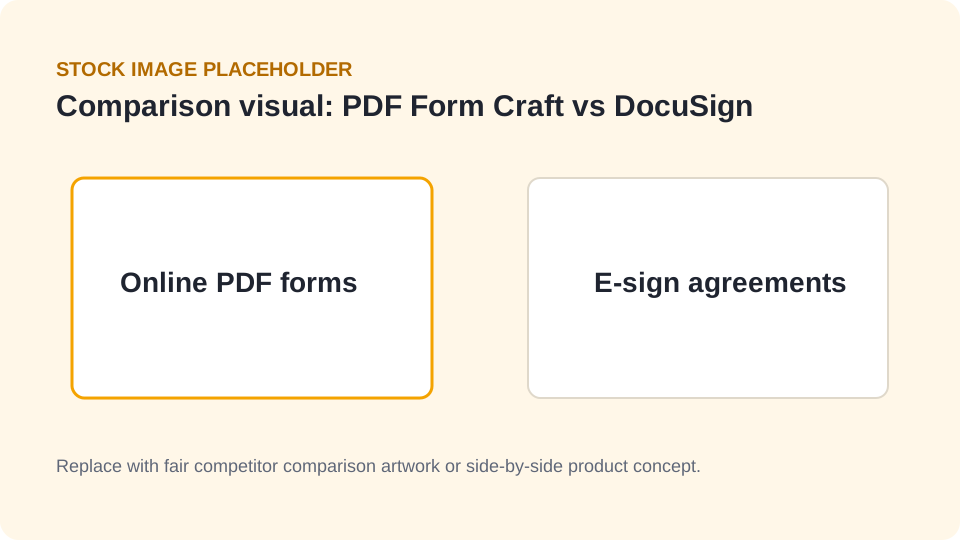
DocuSign and Adobe are excellent at formal e-signatures, and they are built and priced accordingly. If the job is getting PDF forms filled in, you do not need the contract platform, the training, or the implementation project.
Trust and safety
Security and verification are part of the product on every plan, not an enterprise upsell.
Multi-factor authentication is mandatory on every plan, including Free. Your forms collect other people’s details, so the front door gets a proper lock.
Anyone can check that a completed PDF has not been modified since submission, free, at pdfformcraft.com/verify. What was submitted is what you are holding.
Phishing, spam, impersonation, or misuse can be reported from the contact page or the footer of any page. Reports come straight to us for review.
FAQ
Straight answers, no booking a discovery call to get them.
For collecting responses from PDF forms, yes — and a much simpler one. For formal e-signature ceremonies and contract management, a dedicated signing platform is still the right tool. Plenty of businesses use both.
Yes — that is the whole point. PDF Form Craft starts from the forms your business already uses, so nothing needs rebuilding from scratch.
No. They click your link, fill in the form on any device, and submit. No account, no download, no app.
PDF Form Craft focuses on collecting complete, structured responses. If a workflow genuinely needs a formal digital signature, pair it with a signing platform for those documents.
Check it at pdfformcraft.com/verify. We compare the document against the original submission and tell you whether it has been modified. No account needed.
Use the report abuse link on the contact page or in the footer of any page to tell us about phishing, spam, impersonation, privacy concerns, or other misuse.
Start simple
Start free with the forms your business already uses. Your first form can be collecting responses before the kettle boils twice.